Welcome to
TradeLoop, in 9 steps.
TradeLoop lives inside your AI agents — pulling live quotes and indicators, reading SEC filings, watching the market and surfacing alerts, then saving shared memory to your journal. This guide walks you from install to your first live market query, end to end.
Set up your account
Create your TradeLoop account and install the CLI. Two minutes.
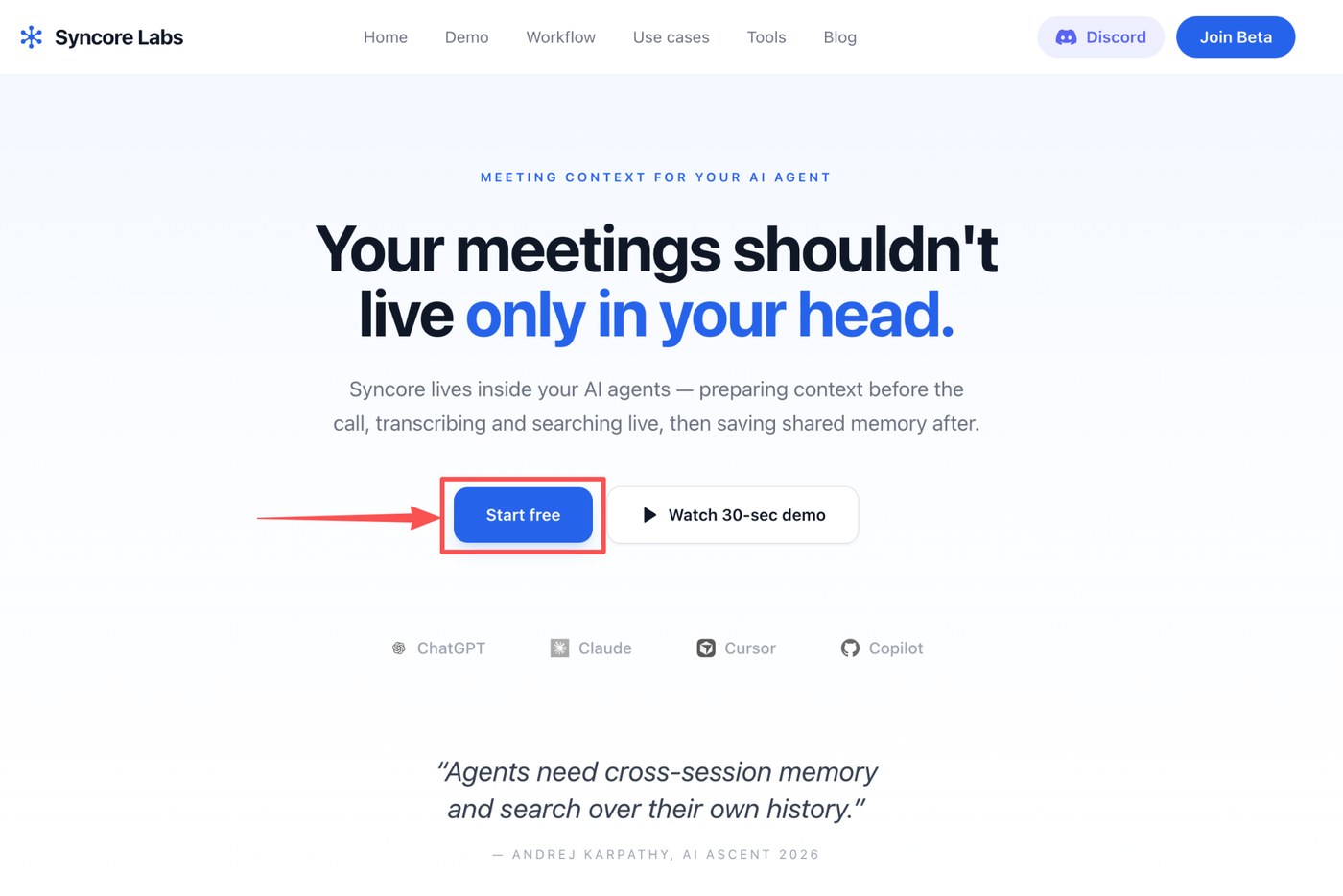
Click “Start free” to begin
Head to tradeloop.top and click Start free. This kicks off the account creation flow — no credit card needed.
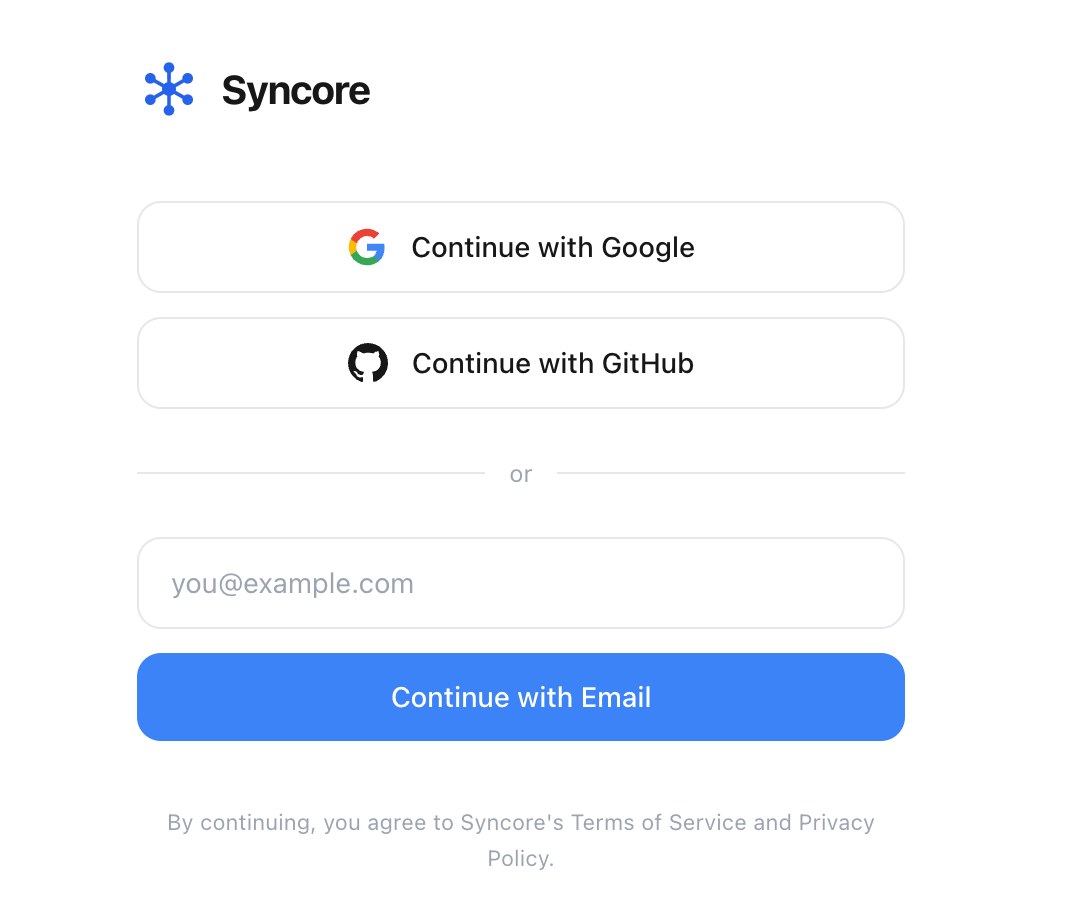
Register and log in
Pick your preferred method — Google, GitHub, or email. We recommend Continue with Google: TradeLoop can sync with your G-Suite (calendar, drive) so your agent has context alongside the market data.
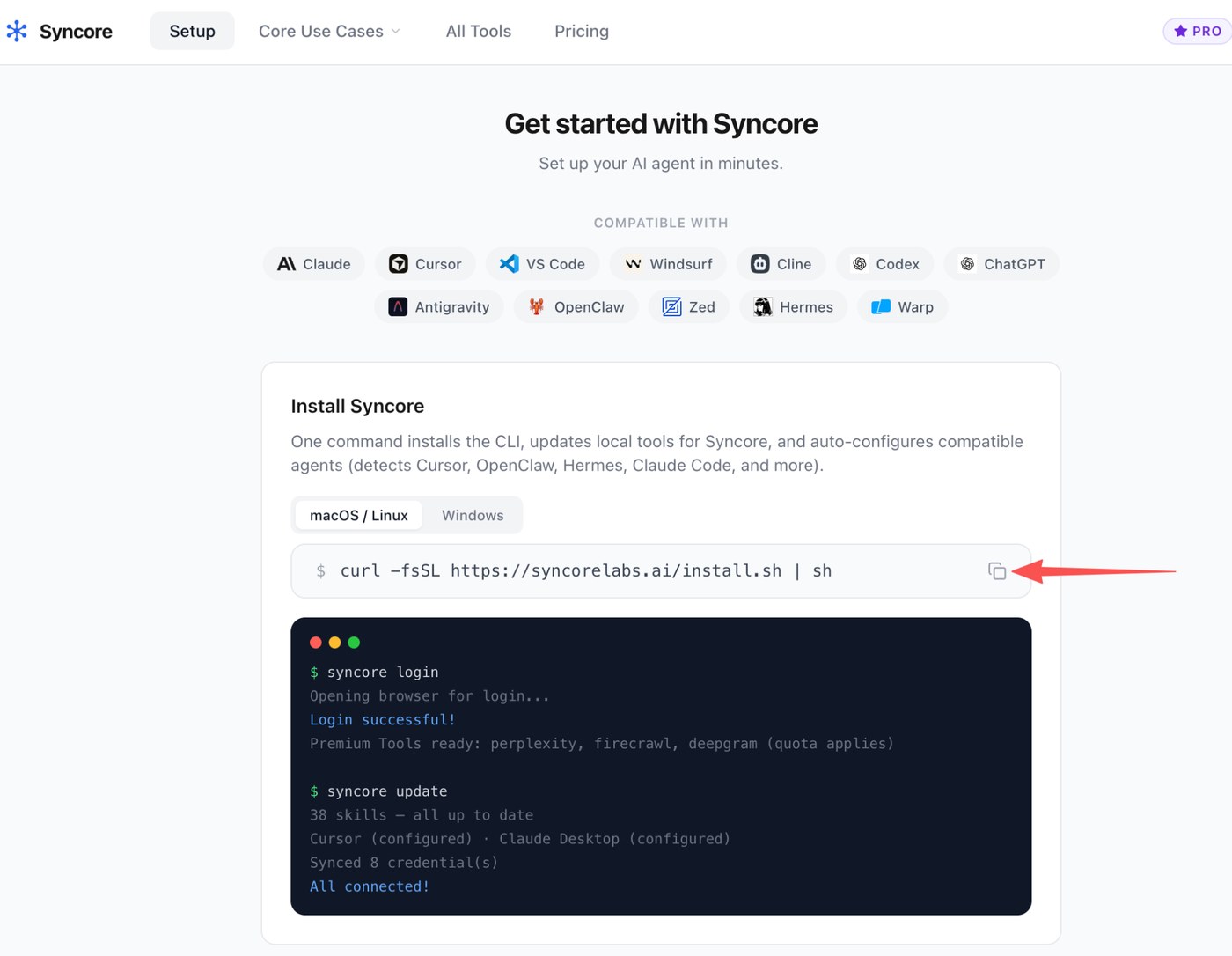
Install TradeLoop in your terminal
Copy the install command from the dashboard and paste it into your terminal (open Terminal on macOS, or any shell on Linux/Windows). One command installs the CLI, updates local tools, and auto-configures compatible agents — Cursor, Claude Desktop, OpenClaw, Hermes, Claude Code, Codex, and more.
Activate your account
After the installer finishes, run tradeloop login in your terminal. Your browser will open, you'll authenticate in ~30 seconds, and you're connected.
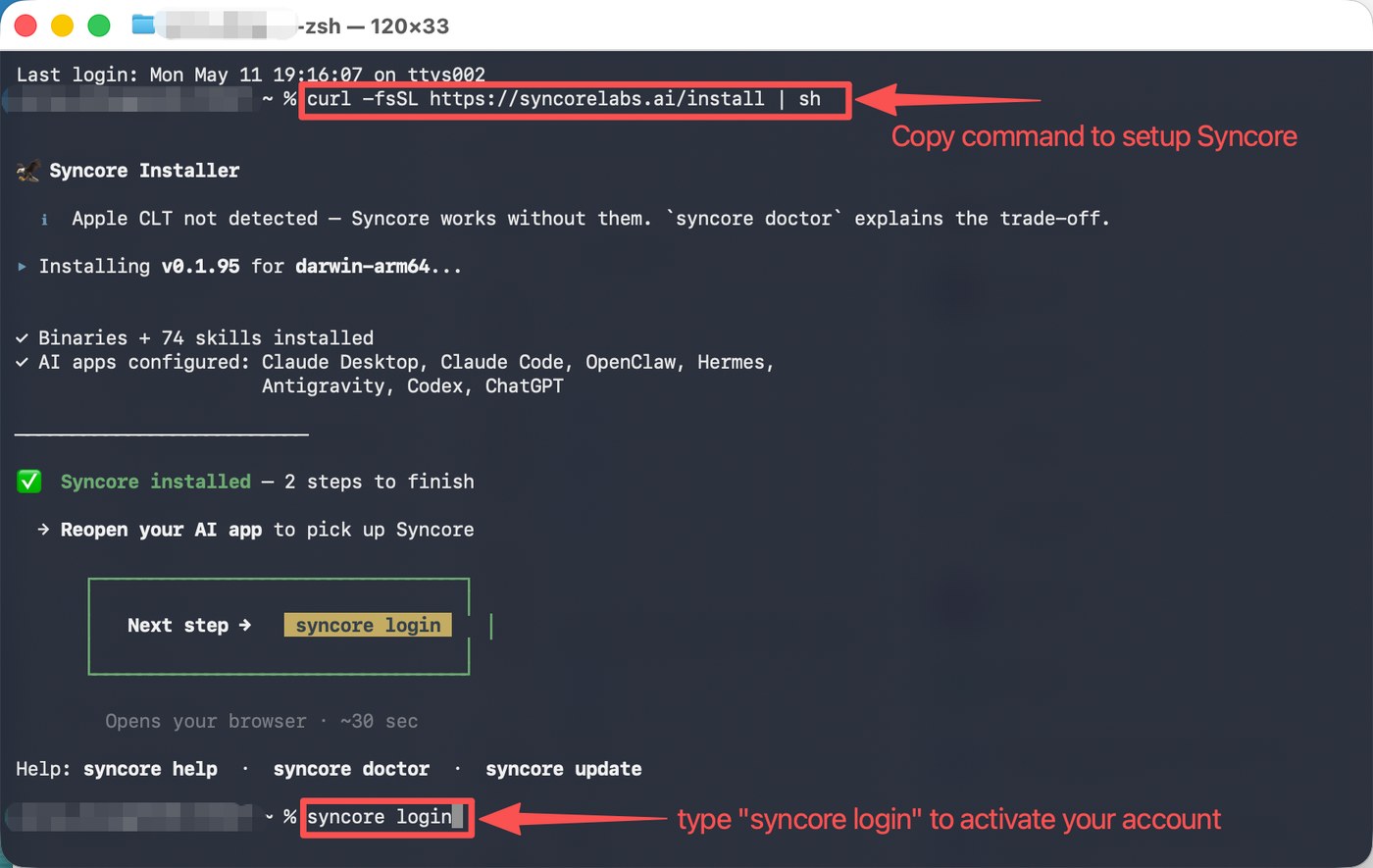
The installer detects which AI apps you have and configures them automatically. If something looks off, run tradeloop doctor for a diagnostic.
Connect your data
Market data works out of the box — connect extras when you need them.
Turn on market data sources
Live quotes, indicators, and SEC filings work out of the box — no keys to get started. For higher limits, open the dashboard and connect providers like Polygon, Finnhub, or FRED with your own API key (BYOK).
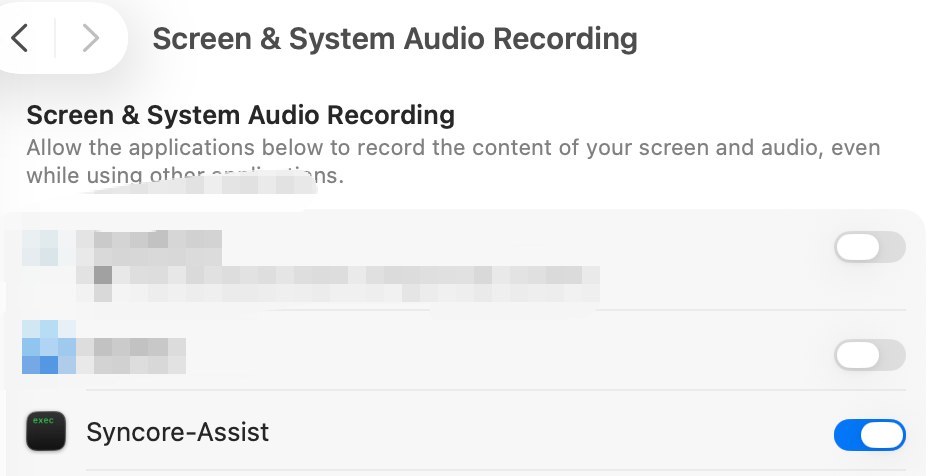
Your watchlist and journal stay local. TradeLoop writes them to your own wiki on disk — nothing is sent to a third-party service.
Run your first market query
You're set up. Here's how a session actually flows.
Restart your agent & ask the market
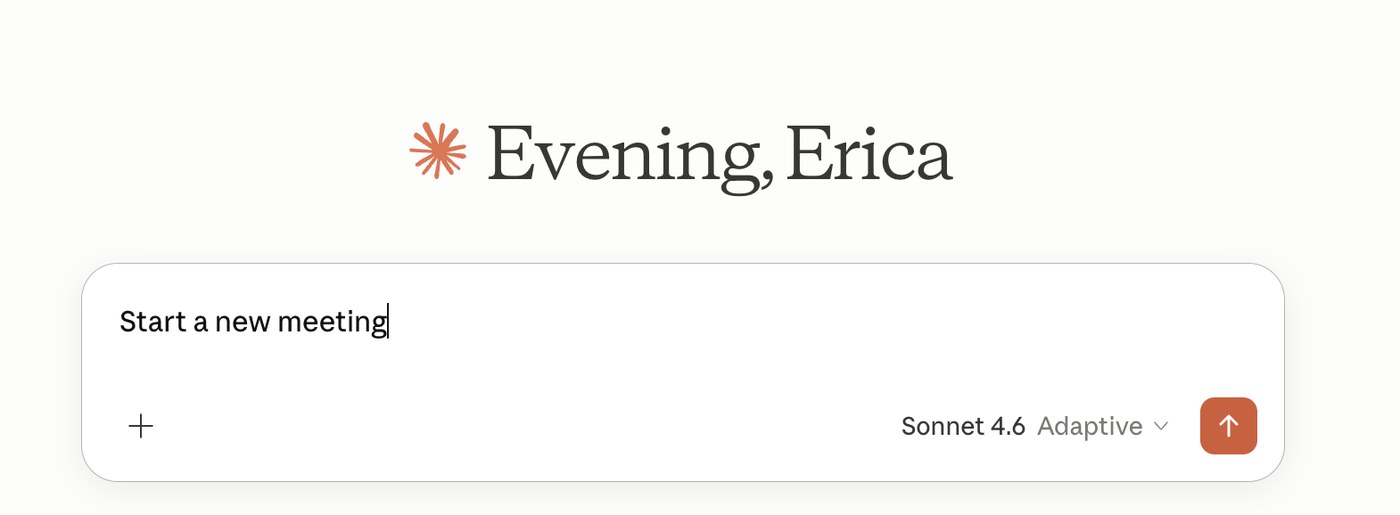
Quit and reopen your AI agent (Claude, Cursor, ChatGPT — whichever you use) so it picks up the new TradeLoop tools. Then just ask it for a quote or a chart — “what's AAPL doing today?” — no buttons, no separate app.
Search your journal in real time
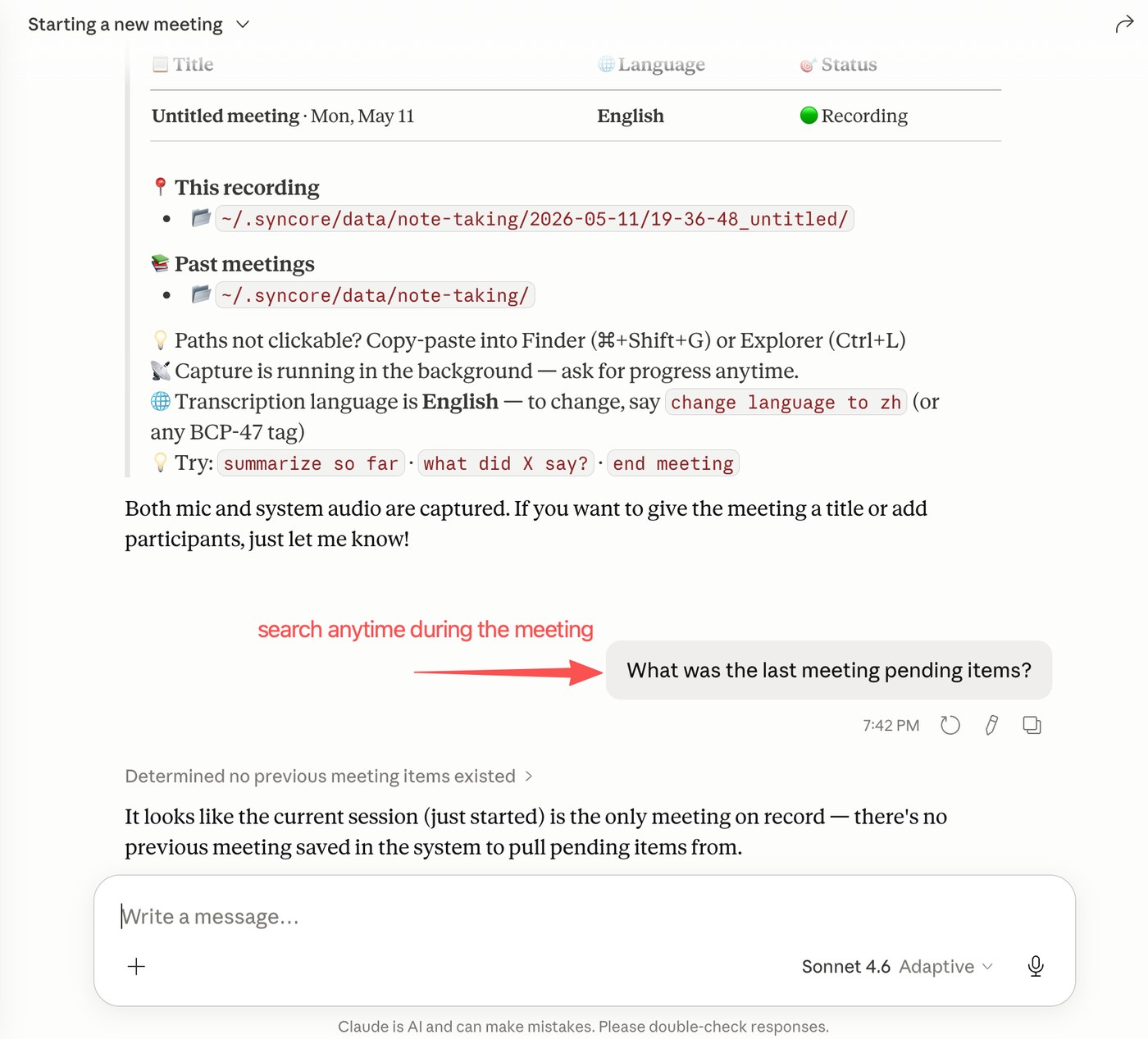
While you work a name, ask your agent anything — “what's my thesis on NVDA?”, “where did I set my stop?”, “what did I note last earnings?”. TradeLoop searches across your watchlist and journal and pulls relevant context live.
Set an alert whenever
Ask your agent to watch a level — “ping me if SPY breaks 540” or “alert me when NVDA RSI tops 70.” TradeLoop's monitoring loop runs in the background and surfaces the alert the moment it fires, right in the menu-bar widget.
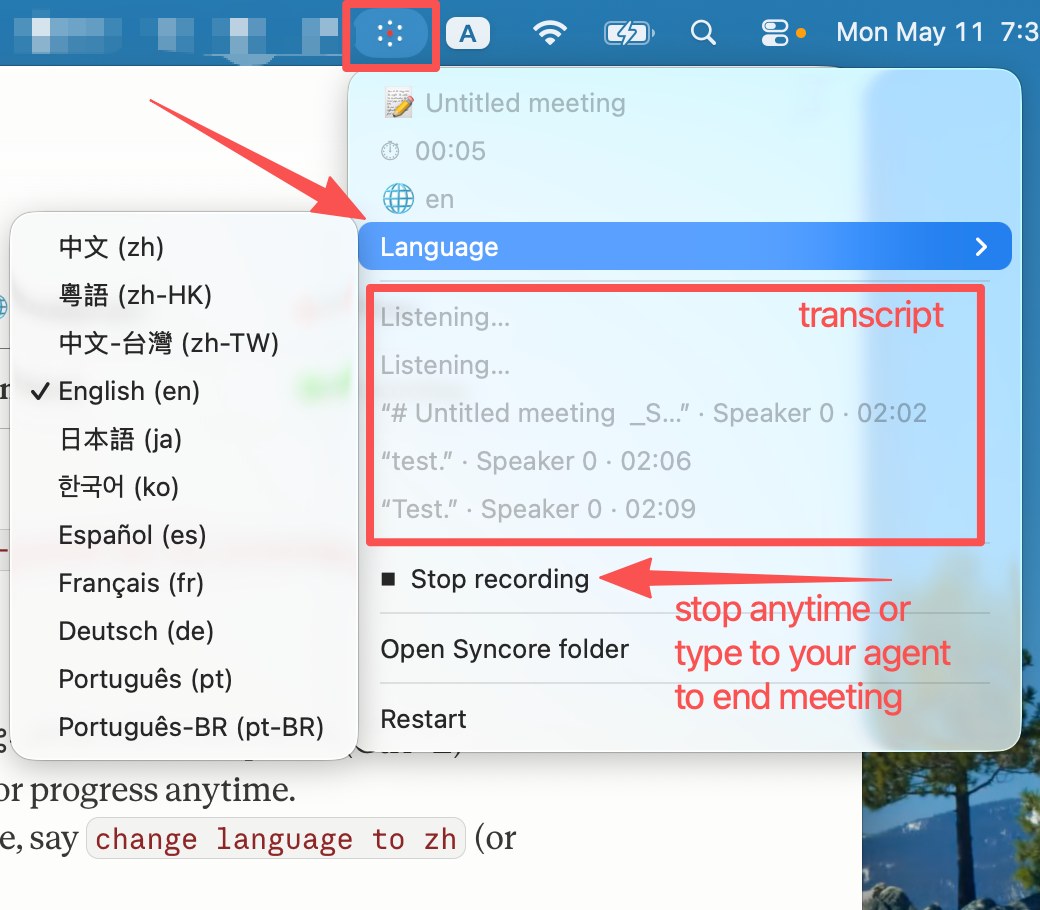
Alerts keep running after you close the chat — price levels, indicator triggers, and filing/news conditions all fire on their own. Say “list my alerts” to review them any time.
Your journal saves itself
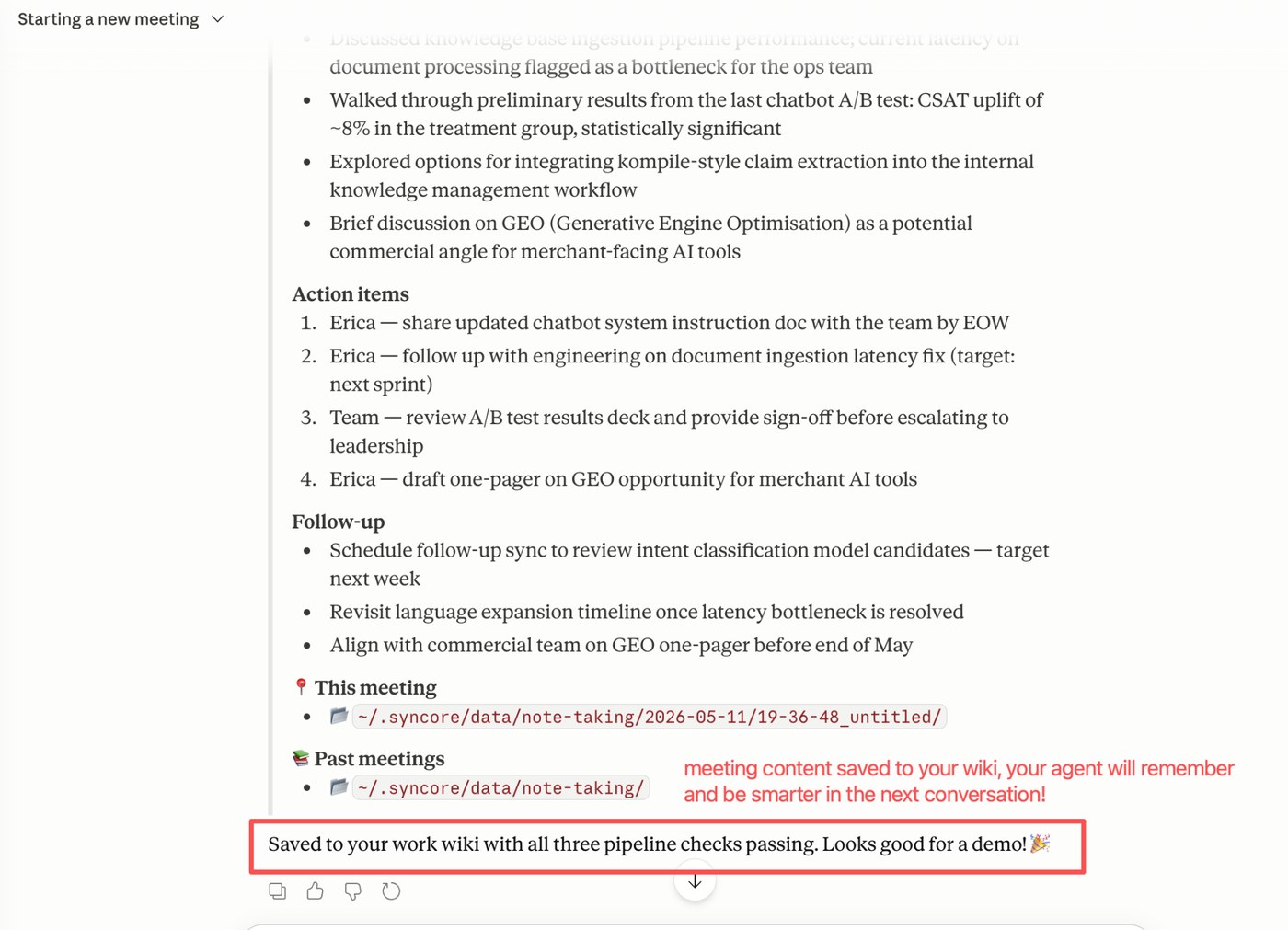
Theses, entries, exits, and levels are auto-extracted and written straight to your wiki. Every session makes your agent a little smarter — context compounds across trades instead of starting from zero.
You're set up. Come back tomorrow — your agent will already know your watchlist and what you were thinking today.